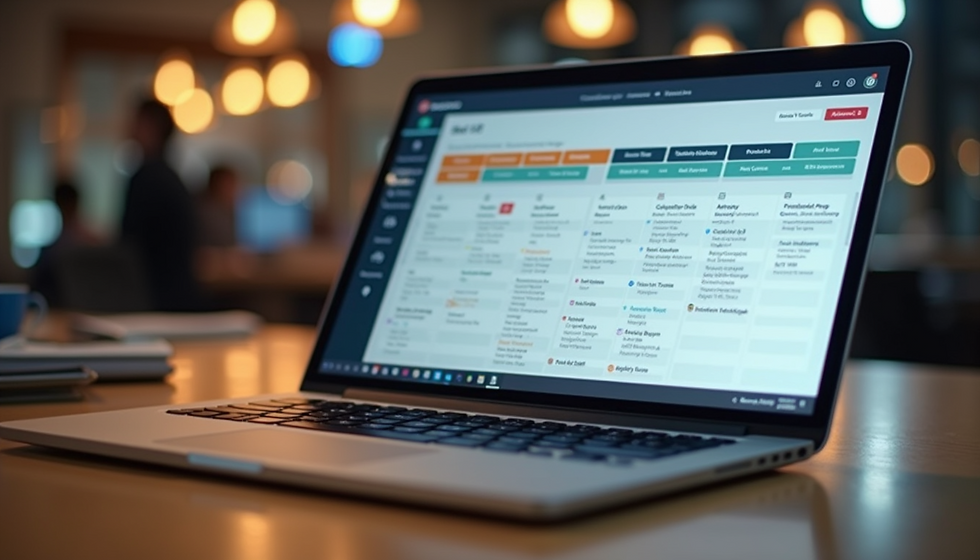
Top Features to Look for in Australian Employee Scheduling Software
- Connor Stubbs
- Dec 1, 2025
- 3 min read

Managing employee schedules can be a complex task, especially for businesses operating across multiple locations or with diverse teams. Australian companies face unique challenges such as compliance with local labour laws, managing shift work, and accommodating flexible work arrangements. Choosing the right employee scheduling software can simplify these tasks, improve productivity, and reduce errors. This post explores the key features to look for in employee scheduling software Australia businesses can rely on.
Easy-to-Use Interface
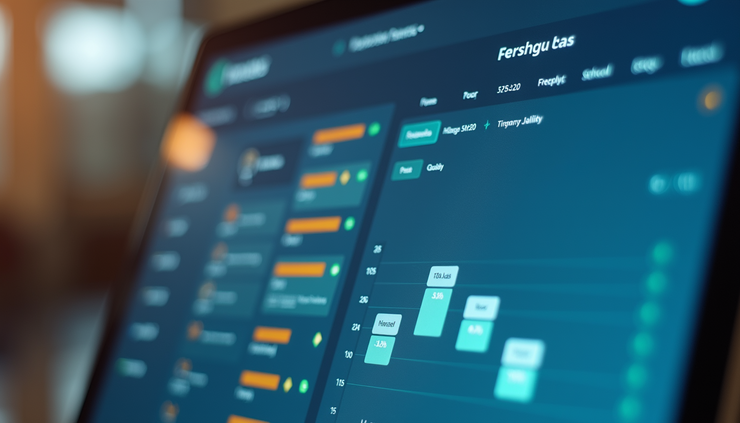
The software should have an intuitive interface that allows managers and employees to navigate schedules without confusion. A clean, well-organized dashboard helps reduce training time and errors. Features to look for include:
Drag-and-drop shift assignment
Clear visual calendar views (daily, weekly, monthly)
Mobile-friendly design for on-the-go access
For example, a retail store manager can quickly swap shifts or fill gaps using drag-and-drop, while employees can check their schedules from their phones.
Compliance with Australian Labour Laws
Australia has specific regulations around work hours, breaks, overtime, and penalties. Scheduling software must support compliance by:
Automatically enforcing maximum work hours and minimum rest periods
Tracking overtime and penalty rates according to award conditions
Generating reports for audits and payroll integration
This reduces the risk of costly penalties and ensures fair treatment of employees. For instance, hospitality businesses often deal with penalty rates for weekend or late-night shifts, which the software should calculate accurately.
Automated Shift Scheduling and Optimization
Manual scheduling is time-consuming and prone to mistakes. Look for software that can automate shift creation based on rules such as employee availability, skill sets, and business needs. Key capabilities include:
Auto-assigning shifts to qualified employees
Balancing workloads evenly across teams
Suggesting optimal shift patterns to reduce fatigue
A healthcare provider, for example, can use automation to ensure nurses with specific certifications cover required shifts without overworking any individual.
Employee Self-Service Features
Empowering employees to manage their schedules reduces administrative burden. Useful self-service options include:
Viewing and swapping shifts with colleagues
Requesting time off or shift changes
Receiving notifications about schedule updates
This flexibility improves employee satisfaction and reduces absenteeism. For example, a café worker can easily swap a shift with a coworker through the app without needing manager approval every time.
Integration with Payroll and HR Systems
Scheduling software should seamlessly connect with payroll and human resources platforms to streamline operations. Benefits include:
Automatic transfer of worked hours for accurate pay
Synchronization of employee data and leave balances
Reduced manual data entry and errors
Businesses using popular Australian payroll systems like MYOB or Xero will find integration especially valuable for saving time and avoiding mistakes.
Real-Time Communication Tools
Effective communication is essential for managing last-minute changes or emergencies. Look for software that offers:
In-app messaging or alerts
Push notifications for shift reminders or changes
Group messaging for teams or departments
For example, a construction site supervisor can quickly notify workers of a schedule change due to weather delays, ensuring everyone stays informed.
Reporting and Analytics
Insightful reports help managers understand scheduling patterns and improve workforce planning. Useful reports include:
Attendance and punctuality tracking
Overtime and labour cost analysis
Shift coverage and absenteeism trends
These analytics enable data-driven decisions, such as adjusting staffing levels during peak periods or identifying employees at risk of burnout.
Support for Multiple Locations and Roles
Many Australian businesses operate across several sites or have diverse roles requiring different scheduling needs. The software should:
Manage schedules for multiple locations from one platform
Allow role-based scheduling with specific qualifications or certifications
Provide location-specific compliance settings
A national retail chain, for example, can manage all store schedules centrally while respecting local award conditions and employee skills.
Customizable Scheduling Rules
Every business has unique scheduling requirements. The software should allow customization of rules such as:
Shift lengths and start/end times
Minimum rest periods between shifts
Maximum consecutive workdays
This flexibility ensures the software fits your business model rather than forcing you to adapt to rigid templates.
Security and Data Privacy
Employee data is sensitive and must be protected. Choose software that complies with Australian data privacy laws and offers:
Secure user authentication and role-based access
Data encryption in transit and at rest
Regular backups and disaster recovery plans
This protects your business and employees from data breaches and misuse.
Choosing the right employee scheduling software Australia businesses can trust means focusing on features that simplify scheduling, ensure compliance, and improve communication. Look for solutions that offer automation, employee self-service, integration with payroll, and strong reporting capabilities. These features help reduce administrative workload, improve employee satisfaction, and support better business decisions.
Explore options that fit your specific industry and workforce size. Trial versions or demos can provide hands-on experience before committing. Investing time in selecting the right software now will pay off with smoother operations and happier teams.