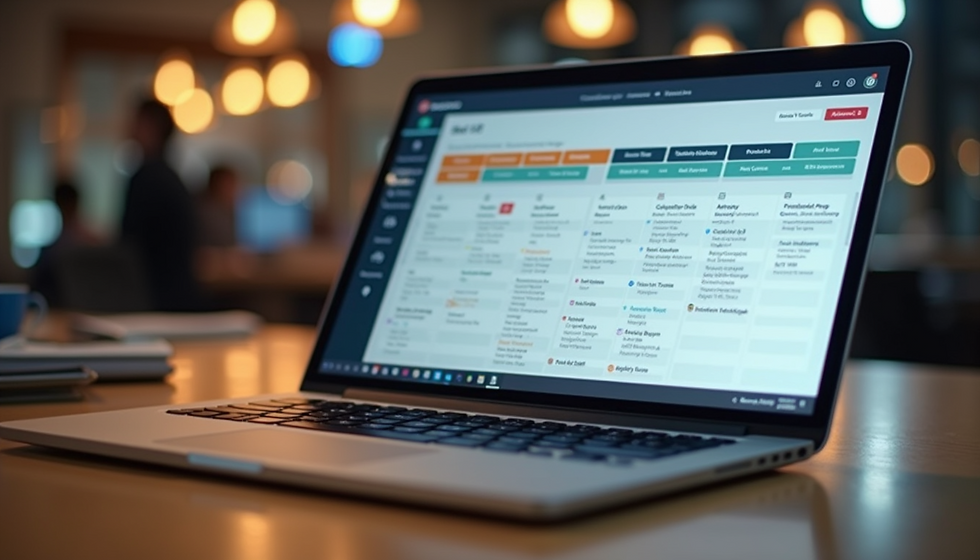
Simplify Your Workforce with Online Scheduling Tools
- Connor Stubbs
- Nov 24, 2025
- 4 min read

Let’s face it - juggling staff schedules can feel like trying to herd cats. You want everyone where they need to be, when they need to be there, without the endless back-and-forth texts, emails, or sticky notes plastered all over your desk. If you’ve ever wished for a magic wand to make scheduling painless, you’re in the right place. Online scheduling solutions are that wand, and they’re here to save your sanity.
Why Online Scheduling Solutions Are a Game-Changer
Imagine this: no more last-minute calls to find a replacement, no more confusion about who’s working when, and no more double bookings. Online scheduling solutions bring all your staff’s shifts into one neat, easy-to-manage platform. It’s like having a personal assistant who never sleeps.
Here’s why they’re worth their weight in gold:
Real-time updates: Everyone sees the latest schedule instantly. No more outdated spreadsheets or missed changes.
Easy shift swaps: Staff can swap shifts with a few clicks, and managers get notified automatically.
Availability tracking: Employees can mark when they’re free or unavailable, making scheduling a breeze.
Automated reminders: No more “Oops, I forgot my shift” moments.
Reports and insights: Track hours, overtime, and attendance without breaking a sweat.
These tools don’t just save time; they cut down on costly errors and boost team morale by making scheduling transparent and fair.

How to Choose the Right Online Scheduling Solution for Your Business
Picking the perfect scheduling tool can feel like shopping for shoes online - so many options, and you want the one that fits just right. Here’s a quick checklist to help you find your match:
User-friendly interface: If it’s clunky or confusing, no one will use it.
Mobile access: Your team should be able to check and update schedules on the go.
Customisable features: Different businesses have different needs. Look for tools that let you tailor shifts, roles, and permissions.
Integration capabilities: Can it sync with your payroll, HR, or communication apps?
Cost-effectiveness: Free trials are great. Make sure the price fits your budget without skimping on essentials.
Support and training: Good customer service can make all the difference when you’re getting started.
For example, online employee scheduling software like Rosterem offers a community-driven platform that’s intuitive and packed with features designed to save you time and money. It’s built to scale with your business, whether you’re managing a small team or a large workforce.
Does Microsoft Have a Staff Scheduling Tool?
You might be wondering if Microsoft has a built-in solution for staff scheduling. The short answer is yes, but with some caveats.
Microsoft offers Microsoft Shifts, a scheduling tool integrated into Microsoft Teams. It’s designed to help managers create, update, and manage shift schedules within the Teams environment. Here’s what it brings to the table:
Shift creation and management: Build schedules and assign shifts easily.
Team communication: Employees can swap shifts and request time off directly through Teams.
Mobile app: Access schedules on the go.
Integration: Works seamlessly with other Microsoft 365 apps.
However, Microsoft Shifts might not cover all the bells and whistles some businesses need, especially if you want detailed reporting, advanced automation, or integration with payroll systems outside the Microsoft ecosystem. For many, a dedicated online scheduling solution like Rosterem offers more flexibility and features tailored specifically for workforce management.

Practical Tips to Get the Most Out of Your Scheduling Software
Having the right tool is just the start. To truly simplify your workforce management, you need to use it smartly. Here are some tips to get the best bang for your buck:
Set clear scheduling rules: Define shift lengths, breaks, and maximum hours upfront. This helps the software flag conflicts automatically.
Encourage staff to update availability regularly: The more accurate the data, the smoother the scheduling.
Use templates for recurring shifts: Save time by creating standard schedules for busy days or weeks.
Leverage notifications: Set up alerts for shift changes, approvals, or upcoming shifts to keep everyone in the loop.
Train your team: A quick walkthrough or tutorial can boost adoption and reduce errors.
Review reports regularly: Use insights to spot trends like overtime spikes or absenteeism and adjust accordingly.
By combining these strategies with a solid online scheduling tool, you’ll cut down on chaos and keep your team happy and productive.
Why Switching to Online Scheduling Is Worth It
Still on the fence? Let me paint a picture. Imagine your current scheduling process is a clunky old car. It gets you there, but it’s slow, noisy, and breaks down often. Switching to online scheduling solutions is like upgrading to a sleek electric vehicle - smooth, efficient, and packed with smart features.
You’ll save hours every week, reduce costly mistakes, and give your team a better way to manage their work-life balance. Plus, with tools like online employee scheduling software, you’re not just buying software - you’re joining a community focused on making workforce management easier for everyone.
So, why not take the leap? Your future self (and your team) will thank you.
Ready to ditch the scheduling headaches? Check out Rosterem and see how easy managing your workforce can be. Your schedule - simplified, streamlined, and stress-free.