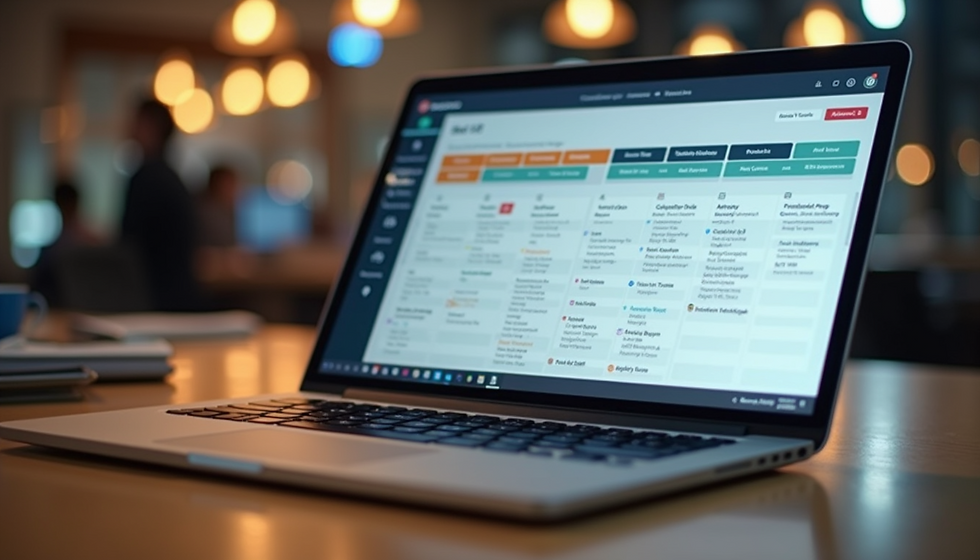
Automated Scheduling: Revolutionising Workforce Management with Automated Workforce Management Tools
- Jan 6
- 3 min read
Ever felt like scheduling staff is a bit like juggling flaming torches? One wrong move, and chaos erupts. Well, I’ve been there, and I can tell you - automated workforce management tools are the game-changer we all need. They take the headache out of rostering and turn it into a smooth, almost enjoyable process. Let’s dive into how this tech revolution is reshaping workforce management for businesses of all sizes.
Why Automated Workforce Management Tools Are a Must-Have
Imagine trying to organise a team’s shifts with pen, paper, or even a basic spreadsheet. It’s like trying to build a sandcastle during high tide. Automated workforce management tools are the sturdy fortress that keeps your scheduling safe and sound.
These tools do more than just assign shifts. They consider employee availability, skills, labour laws, and even preferences. This means fewer clashes, less overtime, and happier staff. Plus, they update in real-time, so last-minute changes don’t turn into a scheduling nightmare.
Here’s what makes these tools indispensable:
Time-saving: Automate repetitive tasks and free up hours.
Accuracy: Reduce human errors that cause costly mix-ups.
Compliance: Stay on the right side of labour laws effortlessly.
Employee satisfaction: Respect preferences and availability.
Cost efficiency: Optimise labour costs by avoiding overstaffing.
If you’re still manually scheduling, you’re missing out on a smarter, faster way to manage your workforce.

How Automated Workforce Management Tools Boost Productivity
Let’s be honest - productivity isn’t just about working harder; it’s about working smarter. Automated workforce management tools help you do just that by streamlining scheduling and communication.
When your team knows exactly when and where they’re needed, they can focus on their tasks without the stress of last-minute changes. Managers get instant insights into who’s working, who’s available, and where gaps exist. This clarity means better decision-making and less downtime.
Here’s how productivity gets a turbo boost:
Real-time updates: Everyone stays in the loop instantly.
Shift swapping made easy: Employees can swap shifts without manager intervention.
Automated reminders: Reduce no-shows with timely notifications.
Data-driven insights: Analyse attendance patterns and optimise schedules.
Mobile access: Manage schedules on the go, anytime, anywhere.
By cutting out the chaos, these tools create a workplace where everyone knows their role and can perform at their best.
The Magic Behind Automated Employee Scheduling
You might be wondering, what exactly is automated employee scheduling? Think of it as your personal scheduling wizard. It uses algorithms to match shifts with the right employees based on availability, skills, and preferences.
No more endless back-and-forth emails or sticky notes on the fridge. The system does the heavy lifting, creating fair and balanced rosters in minutes. It even flags potential issues like overtime or understaffing before they become problems.
For example, a café owner juggling baristas’ shifts can rely on automated scheduling to ensure peak hours are covered without burning out the team. Or a retail store manager can quickly adjust rosters during holiday seasons without breaking a sweat.

Practical Tips for Getting Started with Automated Workforce Management Tools
Ready to jump on the automation bandwagon? Here’s how to make the transition smooth and successful:
Choose the right tool: Look for software that fits your business size and industry. User-friendly interfaces and mobile apps are a big plus.
Train your team: Spend time showing staff how to use the system. The easier it is, the faster they’ll adopt it.
Start small: Begin with scheduling a single department or team before rolling out company-wide.
Set clear rules: Define shift preferences, availability, and compliance requirements upfront.
Monitor and adjust: Use the data insights to tweak schedules and improve efficiency continuously.
Remember, the goal is to save time and reduce stress, not add complexity. Keep it simple and let the tool do the heavy lifting.
Why Businesses of All Sizes Are Embracing Automated Scheduling
From small cafés to large warehouses, businesses are jumping on board with automated scheduling. Why? Because it scales with you. Whether you have five employees or five hundred, these tools adapt to your needs.
Small businesses benefit from saving precious time and avoiding costly scheduling errors. Larger organisations gain powerful analytics and compliance management that manual methods can’t match.
Plus, with platforms like Rosterem aiming to be the go-to solution, you get a community-driven experience that keeps improving based on real user feedback. It’s like having a scheduling buddy who’s always got your back.
If you want to save money, boost productivity, and keep your team happy, automated workforce management tools are the way forward.
So, are you ready to ditch the chaos and embrace the future of workforce management? Automated scheduling isn’t just a trend - it’s a revolution that’s here to stay. Give it a go, and watch your business run smoother than ever before.